
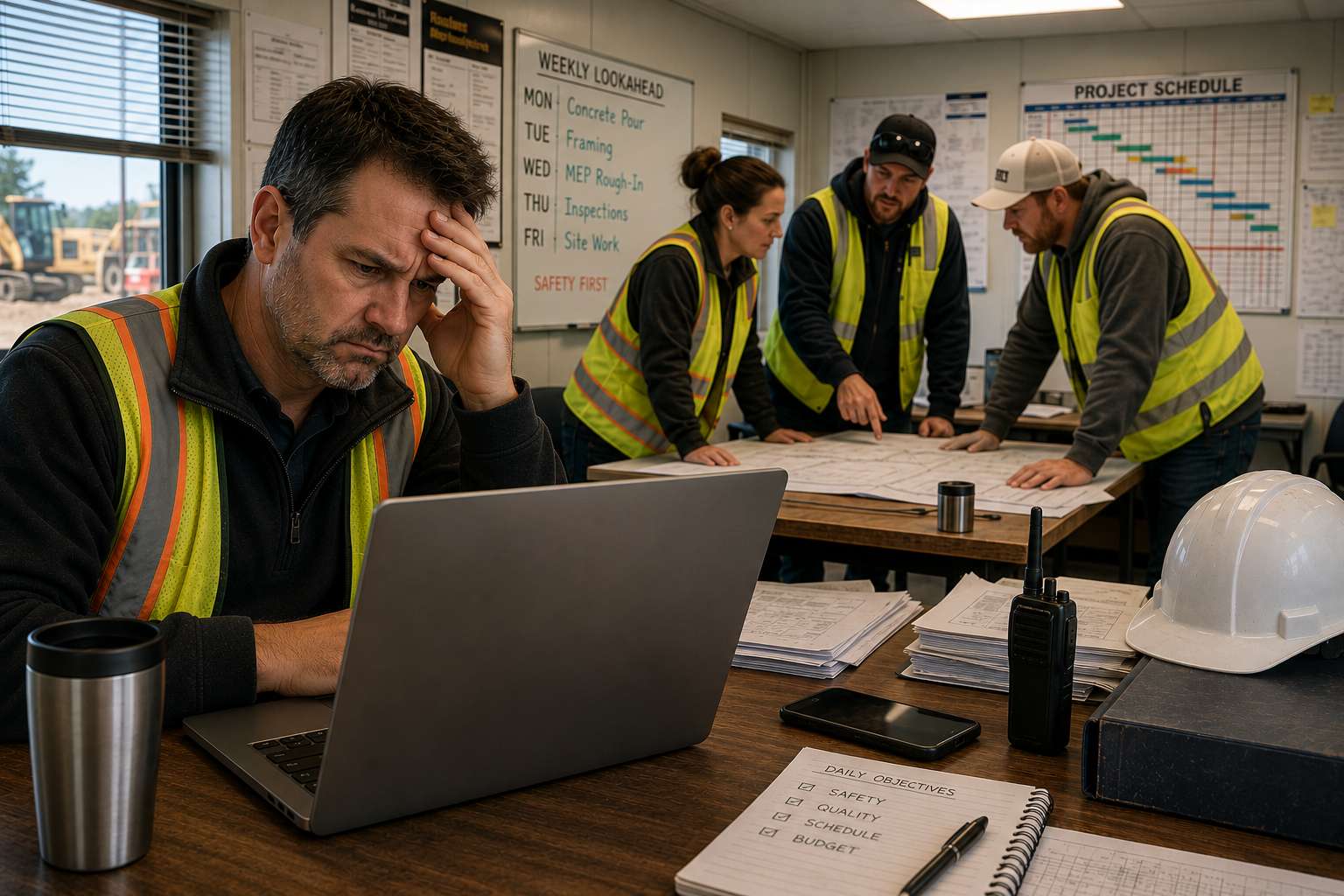
Most technology problems do not stop work completely.
Instead, they slow work down.
Employees wait for computers to start, project files to load, cloud applications to sync, video meetings to reconnect, and drawings to open. Each delay may only last a few seconds, but across an entire construction company those interruptions quietly consume hundreds of productive hours every year.
Technology should help teams keep projects moving, not create friction that slows them down.
If you have already read our article “7 Signs Your Construction Company Needs New Computers,“ you have seen how aging hardware contributes to these delays. (Internal Link)
Small Delays Become Expensive
Construction schedules depend on momentum.
Every day, employees wait on technology more often than they realize.
Some common examples include:
- Logging into Windows
- Opening Bluebeam Revu drawing sets
- Loading Procore
- Syncing Autodesk Construction Cloud
- Joining Microsoft Teams meetings
- Opening large PDF plan sets
- Accessing shared project folders
- Waiting for files to upload
None of these delays seem significant on their own.
Together, they create operational friction that slows projects, frustrates employees, and reduces productivity.
The Hidden Productivity Problem
Technology delays often become part of the workday.
Employees stop mentioning them because they expect them.
That does not mean the delays are acceptable.
Imagine ten employees each losing ten minutes every day waiting on technology.
That equals:
- 100 minutes every day
- More than 8 hours every week
- More than 400 hours every year
Those are hours that could have been spent managing projects, coordinating subcontractors, responding to clients, or supporting field teams.
Five Places Construction Companies Lose Time
1. Slow Computers
Older computers take longer to start, open applications, and process large construction files.
If your employees regularly wait for their computers before they can begin working, your hardware may be overdue for replacement.
Read “7 Signs Your Construction Company Needs New Computers.“
2. Slow Networks
Reliable communication depends on a fast and stable network.
Slow network performance delays cloud applications, file transfers, and collaboration between the office and the field.
3. Large Construction Files
Construction companies work with massive drawing sets, BIM models, specifications, and project documentation.
Older technology struggles to keep up with today’s file sizes.
4. Reactive Technology Planning
Companies that replace technology only after it fails often experience inconsistent performance across the organization.
Planning technology replacements before equipment becomes unreliable helps reduce unexpected disruptions.
5. Accepting Slow Technology as Normal
This may be the most expensive problem of all.
When employees expect technology to be slow, they stop questioning it.
The business adapts to inefficient processes without realizing how much productivity is being lost.
We explore this concept further in How Technology Friction Quietly Reduces Construction Profit Margins.
Common Scenario
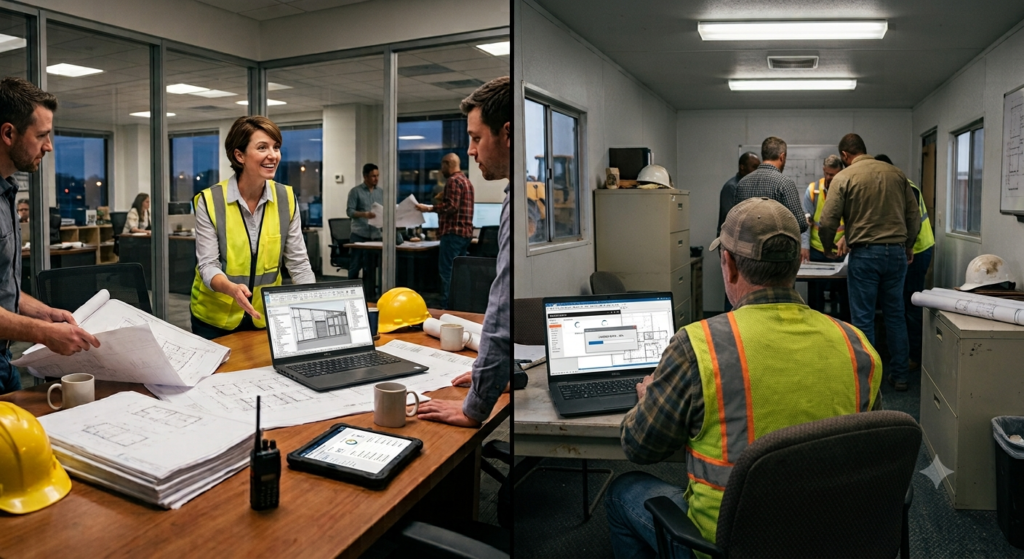
A growing commercial contractor notices that employees frequently mention “slow technology,” but no one can identify a single problem.
Project managers wait for project management software to load before meetings. Estimators experience delays opening drawing sets. Office staff spend extra time switching between accounting software, email, and cloud applications.
Because each delay is small, management assumes it is simply part of the workday.
After measuring how often employees wait on technology throughout the day, the company discovers those interruptions add up to dozens of lost hours every month.
By identifying the causes and addressing them proactively, the company improves productivity without changing how employees perform their jobs.
What This Means for the Construction Technology Framework™
Technology should remove obstacles.
It should never become one.
Within the Construction Technology Framework™, reducing technology friction strengthens all five pillars.
Connect Teams
Reliable technology keeps communication moving between the office, field teams, subcontractors, and clients.
Support the Field
Project managers and superintendents need fast access to drawings, schedules, RFIs, and project documentation from anywhere.
Manage Project Information
Employees should spend time using project information, not waiting for it to load.
Reduce Risk
Reliable technology reduces downtime, unexpected failures, and cybersecurity exposure.
Keep Work Moving
When technology works properly, employees stay focused on construction instead of troubleshooting computers.
Learn more in The 5 Pillars of the Construction Technology Framework™.
Final Thoughts
Technology problems are rarely dramatic.
More often, they appear as dozens of small interruptions repeated throughout the day.
Those interruptions slow communication, delay decision-making, reduce productivity, and quietly increase operating costs.
The best technology is technology your employees never have to think about.
It simply helps them keep projects moving.
You may also enjoy reading:
- Why Do Construction Companies Keep Switching IT Providers?
- How Technology Friction Quietly Reduces Construction Profit Margins
Ready to Reduce Technology Friction?
At M-Squared Networks, we help construction companies align technology with business operations, not just fix computers.
Using our Construction Technology Framework™, we help contractors reduce operational friction, improve productivity, and create technology strategies that scale as their businesses grow.