
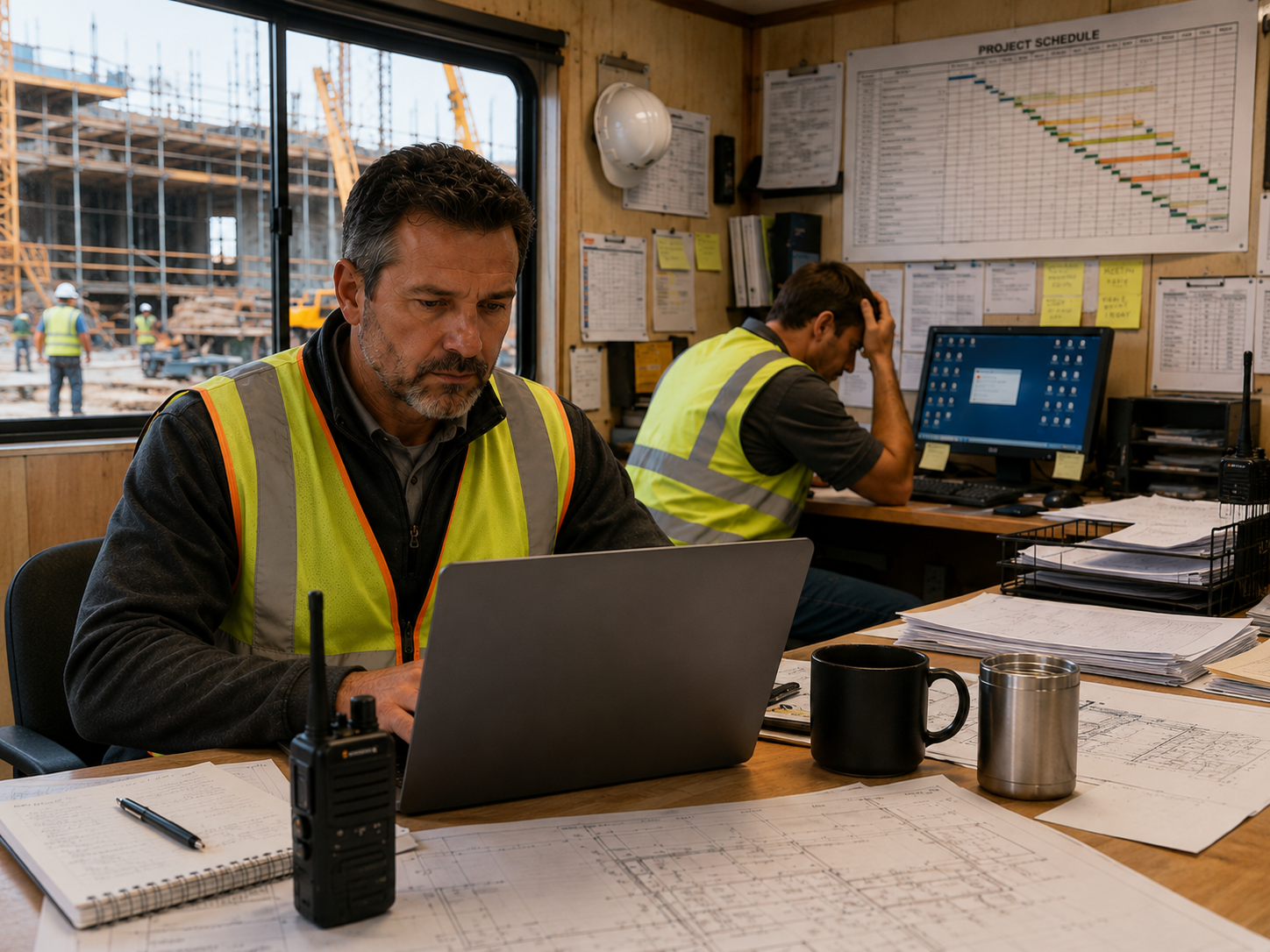
Most construction companies should plan to replace desktop and laptop computers every 4 to 5 years, while high-performance workstations used for estimating, BIM, CAD, or VDC often need replacement every 3 to 4 years.
But age alone isn’t the best indicator.
The real question is whether your technology is helping your team keep projects moving, or quietly slowing everyone down.
Many contractors wait until a computer completely fails before replacing it. Unfortunately, by the time hardware stops working, productivity has often been declining for months or even years.
If your company is experiencing any of the signs below, it may be time to start planning a phased hardware replacement strategy.
Sign #1: Computers Take Too Long to Start
Every minute your employees spend waiting for computers to boot up is time they aren’t reviewing plans, communicating with subcontractors, responding to clients, or preparing for the day.
A few extra minutes each morning may not seem significant, but multiplied across your entire team over the course of a year, those delays become expensive.
If employees regularly arrive early just to let their computers “wake up,” your hardware is likely overdue for replacement.
Sign #2: Construction Software Is Becoming Slow
Modern construction software requires significantly more processing power than it did just a few years ago.
Applications like Bluebeam Revu, Procore, Autodesk Construction Cloud, Sage 300 CRE, and Viewpoint Vista continue to evolve with new features and larger datasets.
Older computers often struggle to keep up, resulting in:
- Slow file loading
- Delayed syncing
- Lag when opening large drawing sets
- Reduced performance during video meetings
These issues don’t just frustrate employees—they slow project execution.
Sign #3: Your IT Team Is Repairing the Same Computers Repeatedly
If the same computers continue generating support tickets, you’re probably spending more money maintaining aging hardware than replacing it.
Common symptoms include:
- Random freezing
- Blue screen errors
- Battery failures
- Hard drive problems
- Overheating
- Wi-Fi connectivity issues
Replacing unreliable equipment often reduces support requests while improving employee productivity.
Sign #4: Employees Avoid Software Updates
Older computers frequently struggle after major operating system or application updates.
Employees may postpone updates because they’re worried about slower performance or compatibility issues.
Unfortunately, delaying updates also increases cybersecurity risks and can leave systems unsupported.
Technology should help protect your business—not create additional vulnerabilities.
Sign #5: Jobsite Employees Are Losing Time Waiting on Technology
Project managers and superintendents rely on fast access to drawings, RFIs, schedules, punch lists, photos, and project documentation.
When laptops freeze during owner meetings or take several minutes to open project files inside a jobsite trailer, work slows down for everyone involved.
Construction moves quickly.
Your technology should move just as fast.
Sign #6: New Employees Receive Old Equipment
Many growing contractors keep older computers for new hires.
While understandable, this often creates inconsistent performance across the organization.
Some employees complete tasks quickly while others spend unnecessary time waiting for applications to respond.
A predictable hardware lifecycle ensures every employee has the tools needed to perform their job efficiently.
Sign #7: Technology Is Creating Friction Instead of Supporting Operations
This is the most important sign of all.
Technology doesn’t have to fail dramatically to hurt productivity.
Sometimes it simply creates dozens of small interruptions every day:
- Waiting for files
- Restarting frozen applications
- Slow VPN connections
- Lag during Teams meetings
- Delayed document synchronization
These small frustrations become operational friction that quietly reduces efficiency across the entire business.
If this sounds familiar, you may also enjoy our article, “How Technology Friction Quietly Reduces Construction Profit Margins.”
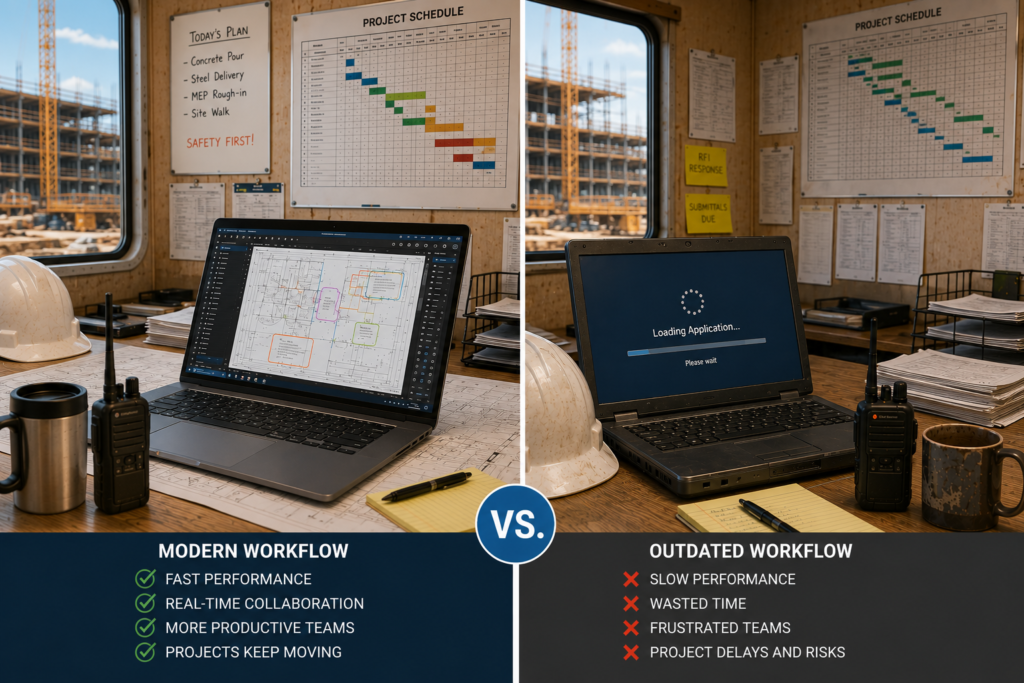
Common Scenario
A growing commercial contractor notices that complaints about “slow computers” are becoming more frequent.
Project managers wait for applications to load before morning coordination meetings. Estimators struggle to open large plan sets. Office staff lose time switching between accounting software, email, and cloud-based project management tools.
Nothing appears broken, so replacing computers keeps getting pushed to next year’s budget.
Over time, those small delays become part of the daily routine. Productivity declines, frustration increases, and technology becomes an obstacle instead of a business tool.
Once the company evaluates the age and performance of its hardware, it discovers that most computers are more than six years old. By implementing a phased replacement plan, the company improves productivity, reduces support requests, and creates a predictable technology budget.
What This Means for the Construction Technology Framework™
Replacing computers isn’t about buying the newest hardware.
It’s about reducing operational friction.
Within the Construction Technology Framework™, reliable hardware supports all five pillars:
Connect Teams
Fast, dependable computers improve communication between the office, field teams, subcontractors, and clients.
Support the Field
Project managers and superintendents need reliable devices that provide quick access to project information from anywhere.
Manage Project Information
Modern hardware keeps drawings, BIM models, schedules, RFIs, accounting software, and cloud applications running efficiently.
Reduce Risk
Replacing aging equipment before it fails reduces downtime, improves cybersecurity, and minimizes unexpected disruptions.
Keep Work Moving
Technology should help employees stay productive—not waste valuable time waiting for computers to catch up.
If you’re new to our methodology, read “The 5 Pillars of the Construction Technology Framework™.”
Final Thoughts
The best time to replace a computer isn’t when it stops working.
It’s before outdated hardware begins slowing your people and your projects.
By replacing computers on a planned lifecycle instead of reacting to failures, construction companies can improve productivity, strengthen security, reduce support costs, and create a more predictable technology budget.
Technology should never become the reason work slows down.
It should help keep projects moving.
For more insights, you may also find these articles helpful:
- Why Do Construction Companies Keep Switching IT Providers?
- The Construction Technology Framework™: Why IT and Field Operations Don’t Align
Ready to Build a Better Technology Strategy?
At M-Squared Networks, we help construction companies align technology with business operations, not just fix computers.
Using our Construction Technology Framework™, we help contractors reduce operational friction, improve productivity, and create technology strategies that scale as their businesses grow.