
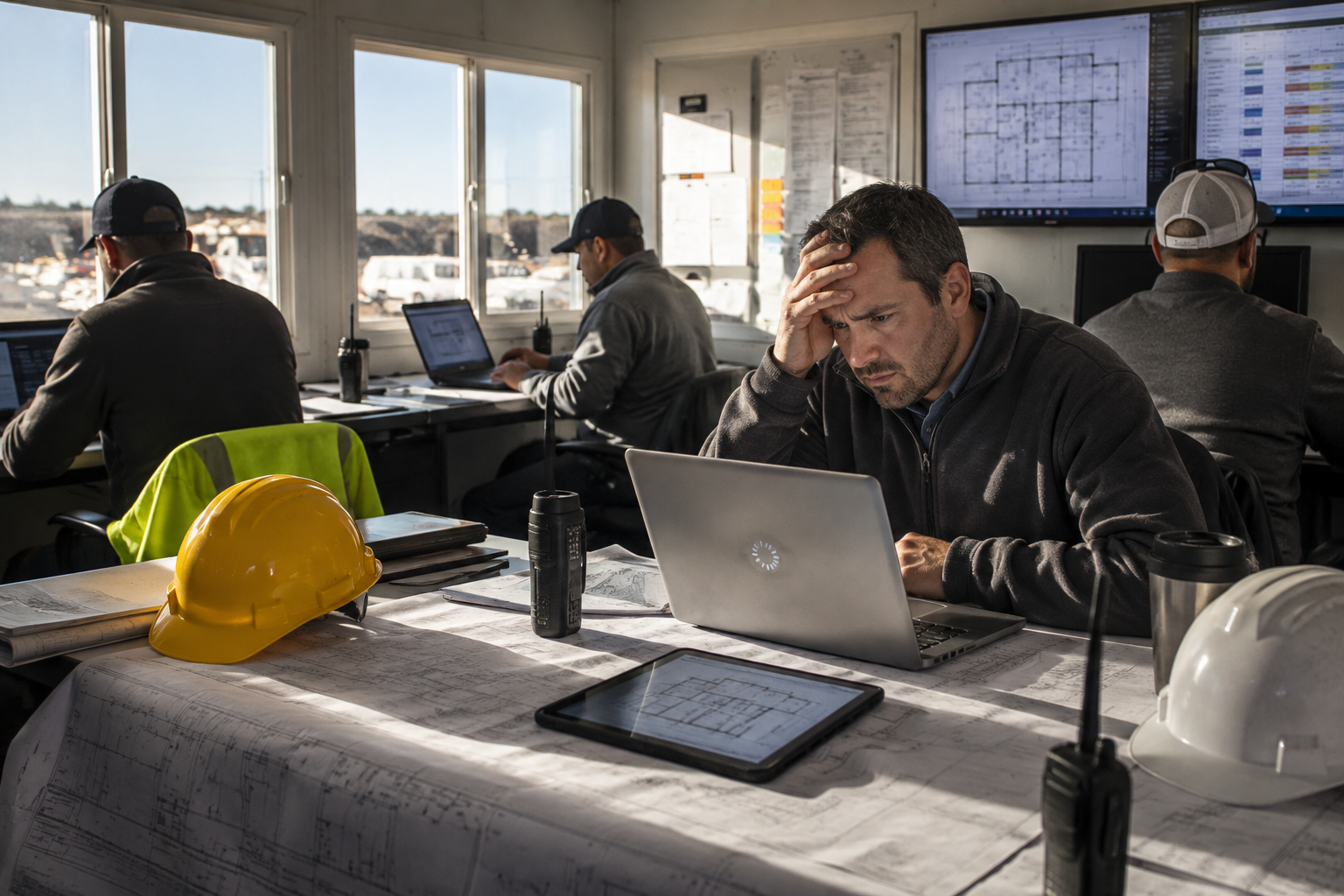
Reliable Wi-Fi has become essential for modern construction companies.
Most construction companies need to evaluate their wireless network when employees experience dropped connections, slow cloud applications, unreliable Teams meetings, or inconsistent coverage throughout the office or jobsite. Reliable Wi-Fi is essential for accessing project information, supporting field teams, and keeping projects moving.
Project managers, estimators, accounting staff, and field personnel depend on wireless connectivity to access cloud applications, construction drawings, project documentation, and communication tools throughout the day.
When Wi-Fi performs poorly, productivity suffers long before the network actually fails.
If your team regularly experiences slow connections, dropped meetings, or delayed file access, your wireless network may need attention.
If employees are also waiting on slow computers, read 7 Signs Your Construction Company Needs New Computers to determine whether the issue is the device instead of the wireless network.
Sign #1: Employees Constantly Lose Their Connection
One dropped connection may not seem important.
When employees reconnect multiple times each day, those interruptions begin affecting communication and productivity.
This is especially noticeable during Microsoft Teams meetings, cloud applications, and file synchronization.
Sign #2: Bluebeam, Procore, or Autodesk Construction Cloud Load Slowly
Modern construction software relies on fast and reliable wireless connectivity.
If employees frequently wait for project information to load, the problem may not be the software.
It could be the wireless network supporting it.
If the problem is isolated to certain employees or devices, the issue may be aging hardware instead of the wireless network.
Sign #3: Employees Move Around Looking for Better Wi-Fi
If people know where the “good signal” is inside your office, your wireless network is probably overdue for improvement.
Reliable Wi-Fi should work consistently throughout your office, conference rooms, warehouses, and jobsite trailers.
Employees should not have to search for a stronger signal before they can work.
Sign #4: Video Meetings Freeze or Disconnect
Construction companies rely on video meetings with clients, architects, subcontractors, suppliers, and field personnel.
Poor Wi-Fi often causes:
- Frozen video
- Choppy audio
- Delayed screen sharing
- Unexpected disconnects
These interruptions slow communication and create unnecessary frustration.
Sign #5: Employees Use Cellular Hotspots Instead of Office Wi-Fi
When employees automatically switch to their phones for internet access, they are telling you something.
They trust their cellular connection more than the company’s wireless network.
That is a warning sign.
Sign #6: Your Wi-Fi Equipment Is More Than Five Years Old
Wireless technology improves significantly every few years.
Older access points often struggle to support:
- More devices
- Faster internet speeds
- Modern security standards
- Cloud based construction software
Replacing aging equipment often improves performance immediately.
Sign #7: Your Business Has Grown, but Your Wi-Fi Has Not
Many construction companies expand without redesigning their wireless network.
As construction companies grow, they add more employees, laptops, tablets, cloud applications, and connected devices. The wireless network that once supported a small office may no longer meet the demands of a growing business.
The network that supported twenty employees may struggle to support fifty.
This is one reason many growing contractors begin evaluating new technology partners. Read Why Do Construction Companies Keep Switching IT Providers?
Growth often requires a new wireless strategy.
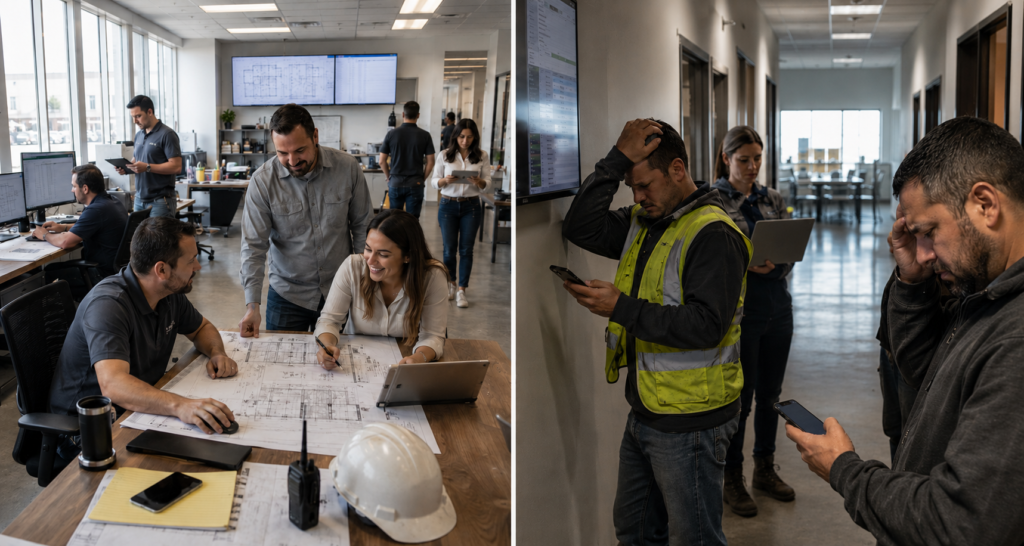
Reliable wireless connectivity helps project managers access drawings, communicate with field teams, and keep projects moving without unnecessary delays.
Common Scenario
A growing commercial contractor begins noticing small technology complaints throughout the office. Project managers wait for drawings to load during coordination meetings, Teams calls freeze unexpectedly, and field employees switch to cellular hotspots because the office Wi-Fi is unreliable. At first, each issue seems minor. Together, they begin slowing communication, collaboration, and productivity across the business.
Nothing appears broken, so the wireless network is left unchanged.
As the company continues growing, those small interruptions become more common and begin affecting communication, productivity, and collaboration throughout the organization.
After evaluating the wireless network, the company discovers it was designed years earlier for far fewer users and devices. Upgrading the wireless infrastructure improves reliability and restores confidence in the company’s technology.
What This Means for the Construction Technology Framework™
Reliable wireless connectivity is more than an IT issue.
It supports how construction companies operate every day.
Within the Construction Technology Framework™, dependable wireless connectivity strengthens all five pillars.
Connect Teams
Reliable Wi-Fi keeps office staff, field teams, subcontractors, and clients connected.
Support the Field
Project managers and superintendents need dependable wireless access to drawings, schedules, RFIs, and project documentation.
Manage Project Information
Cloud applications only work efficiently when employees can access information without interruption.
Reduce Risk
Modern wireless infrastructure improves both security and reliability.
Keep Work Moving
Reliable communication helps projects move forward without unnecessary technology delays.
If you are new to our methodology, start with The 5 Pillars of the Construction Technology Framework™.
Final Thoughts
Slow Wi-Fi rarely brings a construction company to a complete stop.
Instead, it creates hundreds of small interruptions that quietly reduce productivity every day.
Improving wireless performance is not simply about faster internet.
It’s about giving your team reliable access to the information they need to communicate, collaborate, and keep projects moving.
Learn more about how operational friction affects construction businesses in How Technology Friction Quietly Reduces Construction Profit Margins.
Ready to Improve Your Construction Technology?
At M-Squared Networks, we help construction companies align technology with business operations, not simply solve technical problems.
Using the Construction Technology Framework™, we help contractors reduce operational friction so their teams can focus on keeping projects moving.