

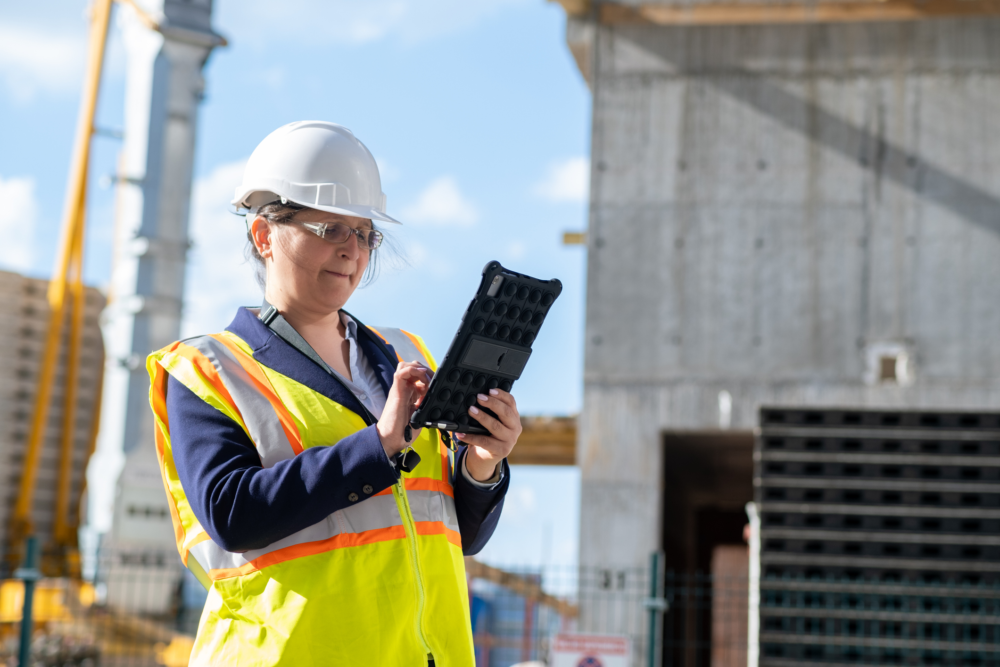
Reliable jobsite Wi-Fi is no longer optional for construction companies in Southern California. Drawings, inspections, RFIs, time tracking, and cloud-based tools all depend on stable connectivity.
For most contractors, jobsite internet costs $150–$400 per site per month, depending on speed, coverage, and redundancy. Choosing the wrong option leads to outages, delayed inspections, and frustrated crews.
Below is a practical breakdown of the best jobsite Wi-Fi options, including when each one makes sense — and where fixed wireless fits into the decision.
Option 1: Temporary Wired Internet (Fiber, Cable, or DSL)
What it is:
Traditional wired internet installed temporarily at the jobsite.
Pros
- Fastest and most stable connection
- Best for heavy uploads and large files
- Lowest latency
Cons
- Long deployment timelines
- Not available at all locations
- Often impractical for short projects
Best for:
Large, long-term jobsites where the project will last 6+ months and fiber or cable is available.
Option 2: Fixed Wireless Internet (Best Balance for Many Jobsites)
What it is:
Fixed wireless delivers internet via a dedicated radio link mounted on the building or a temporary pole, connecting to a nearby wireless ISP (WISP). It does not rely on cellular networks.
Why this matters in construction:
Fixed wireless sits between wired internet and LTE/5G — offering better stability than cellular and much faster deployment than fiber.
Pros
- Faster to deploy than fiber (often days, not months)
- More consistent performance than LTE/5G
- Not affected by cellular congestion
- Suitable for medium- to long-term projects
Cons
- Requires line of sight to a provider tower
- Availability varies by location
Southern California benchmarks
- Deployment time: 3–10 days
- Cost: $200–$600 per month
- Performance: Stable speeds suitable for inspections, uploads, and cloud apps
Best for:
Projects lasting several months where reliability matters but wired internet is unavailable or delayed.
Not sure where you stand? We help construction companies identify IT risks, insurance gaps, and jobsite issues before they become problems.
Option 3: LTE / 5G Jobsite Routers
What it is:
Cellular routers using LTE or 5G networks for internet access.
Pros
- Fastest deployment (often same day)
- Works almost anywhere with coverage
- Ideal for short-term or mobile jobsites
Cons
- Performance depends on cell congestion
- Speeds fluctuate during peak hours
- Not ideal for heavy uploads or multiple crews
Best for:
Short-term jobsites, early project phases, or as a temporary solution.
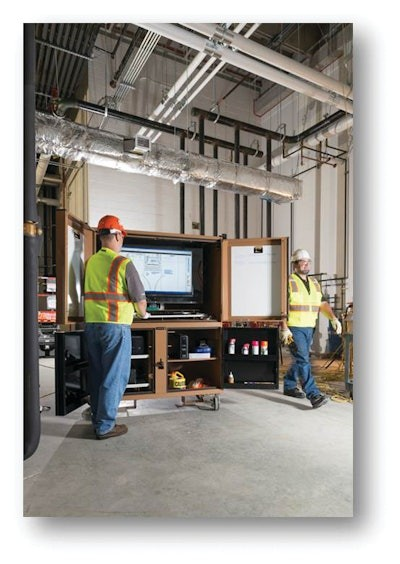
Option 4: Mesh Wi-Fi Systems (Coverage, Not Internet)
Important clarification:
Mesh Wi-Fi does not provide internet — it extends whatever internet source you choose.
Use cases
- Large or multi-building sites
- Vertical construction
- Warehouses or campuses
Best paired with:
Fixed wireless, fiber, or LTE/5G as the primary connection.
Option 5: Hybrid Setup (Primary + Failover)
What it is:
Combining two internet sources — typically:
- Fixed wireless or wired internet as primary
- LTE/5G as automatic failover
Why contractors choose this
- Prevents outages during inspections
- Maintains access during provider disruptions
- Reduces downtime risk
Best for:
Mission-critical jobsites where downtime directly delays work or billing.
Managing hybrid jobsite connectivity is much easier with proactive support, which is why many contractors move away from break/fix and toward managed IT for construction companies.
Real Southern California Jobsite Example
A subcontractor with 7 active jobsites across Southern California struggled with inconsistent LTE performance during inspections.
After switching to fixed wireless as the primary connection with LTE failover:
- Connectivity stabilized
- Inspection delays dropped
- Crews stayed productive during peak hours
The setup cost slightly more than LTE alone but eliminated repeated outages.
Final Takeaway
There is no one-size-fits-all jobsite Wi-Fi solution.
- Wired internet offers the best performance but slow deployment
- Fixed wireless provides the best balance of speed, reliability, and setup time
- LTE/5G excels at rapid deployment
- Mesh systems solve coverage problems
- Hybrid setups minimize risk
For most Southern California construction sites, fixed wireless + cellular failover is the most reliable and cost-effective option.
Choosing the right connectivity upfront prevents delays, missed inspections, and unnecessary downtime later.
Jobsite connectivity is a major cost driver. For broader context, here’s what IT typically costs for construction companies in Orange County and how connectivity factors in.
Talk to a Construction IT Expert
If you’re a general contractor or subcontractor with 20–100 employees and want to understand your real IT risks, costs, or gaps, talk to an expert who specializes in construction environments.
No pressure. Just clear answers.