
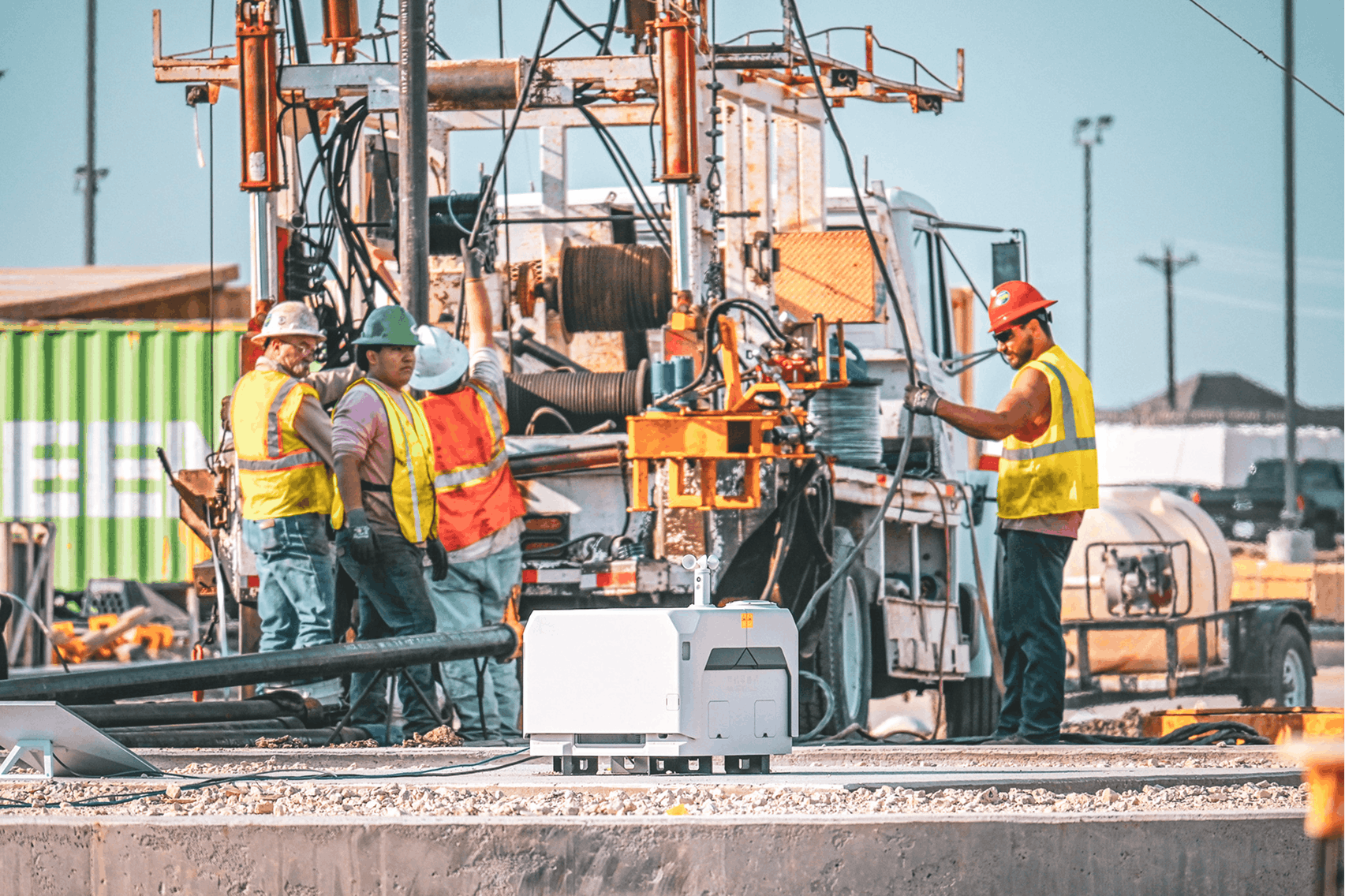
Construction companies across Southern California (Orange County, Inland Empire, and Los Angeles) often manage multiple active jobsites at once.
For companies with 20–100 employees, inconsistent IT setups between sites can lead to:
- Delays
- Security risks
- Communication breakdowns
- Increased support costs
The solution is standardization.
Here’s what a properly standardized IT environment should look like across multiple jobsites — and why it matters.
1. Consistent Jobsite Connectivity at Every Location
Every jobsite should follow the same connectivity model:
- Primary internet connection (fiber, fixed wireless, or LTE/5G)
- Backup internet for failover
- Pre-configured network equipment
Without standardization, each site becomes unpredictable.
With it, every jobsite operates with the same level of reliability.
Connectivity is foundational. Compare SD-WAN vs fixed wireless vs LTE/5G for construction jobsites.
2. Standardized Devices for Field and Office Teams
Construction companies should deploy:
- Pre-configured laptops and tablets
- Consistent operating systems and updates
- Remote management tools
This ensures:
- Faster support
- Fewer compatibility issues
- Better security enforcement
Not sure where you stand? We help construction companies identify IT risks, insurance gaps, and jobsite issues before they become problems.
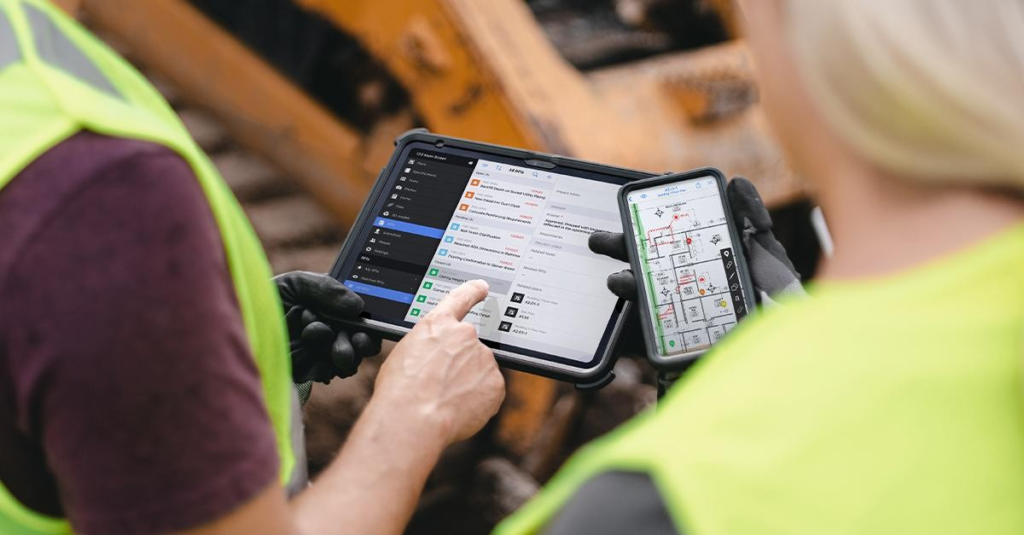
3. Unified File Structure and Access
All jobsites should follow the same file management structure:
- Centralized cloud storage (Microsoft 365 / SharePoint)
- Standard folder hierarchy
- Controlled permissions
Without this, teams risk:
- Using outdated drawings
- Losing track of revisions
- Miscommunication between field and office
4. Centralized Security Policies
Security should not vary by jobsite.
A standardized setup includes:
- Multi-factor authentication (MFA)
- Endpoint protection on all devices
- Email security controls
- Regular monitoring
Strong security is essential. Learn how to secure Procore for construction companies.
5. Proactive Monitoring Across All Sites
Instead of reacting to issues, companies should monitor:
- Internet performance
- Device health
- Security threats
This allows problems to be identified and resolved before they impact projects.
Real Example
A contractor managing 5 active jobsites across Orange County and Riverside struggled with inconsistent setups:
- Different internet providers
- Different device configurations
- No centralized monitoring
After standardizing:
- Downtime decreased significantly
- Support became faster and more predictable
- Project coordination improved
Final Takeaway
A standardized IT environment ensures that every jobsite operates with the same level of reliability, security, and efficiency.
For growing construction companies, this is essential for scaling operations without increasing risk or complexity.
Talk to a Construction IT Expert
If you’re a general contractor or subcontractor with 20–100 employees and want to understand your real IT risks, costs, or gaps, talk to an expert who specializes in construction environments.
No pressure. Just clear answers.