
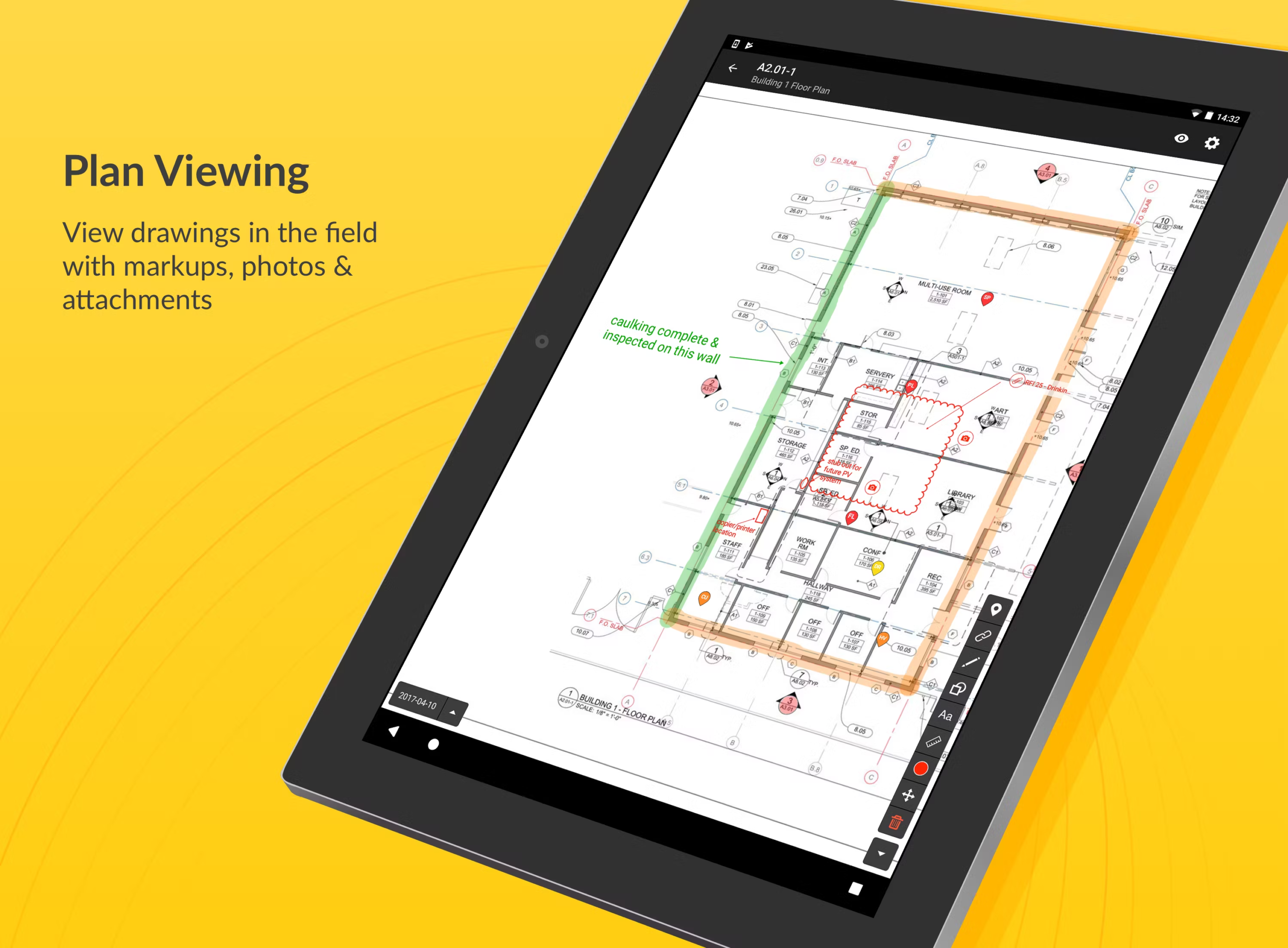
Bluebeam and CAD files are often the most valuable digital assets in a construction company.
For firms with 20–100 employees, poor file management can lead to:
- Version conflicts
- Overwritten drawings
- Lost revisions
- Ransomware exposure
Here’s how to manage project files properly.
1. Centralize File Storage in Structured Cloud Libraries
Avoid:
- Local desktop storage
- USB transfers
- Random shared drives
Use SharePoint or structured cloud libraries.
Not sure where you stand? We help construction companies identify IT risks, insurance gaps, and jobsite issues before they become problems.
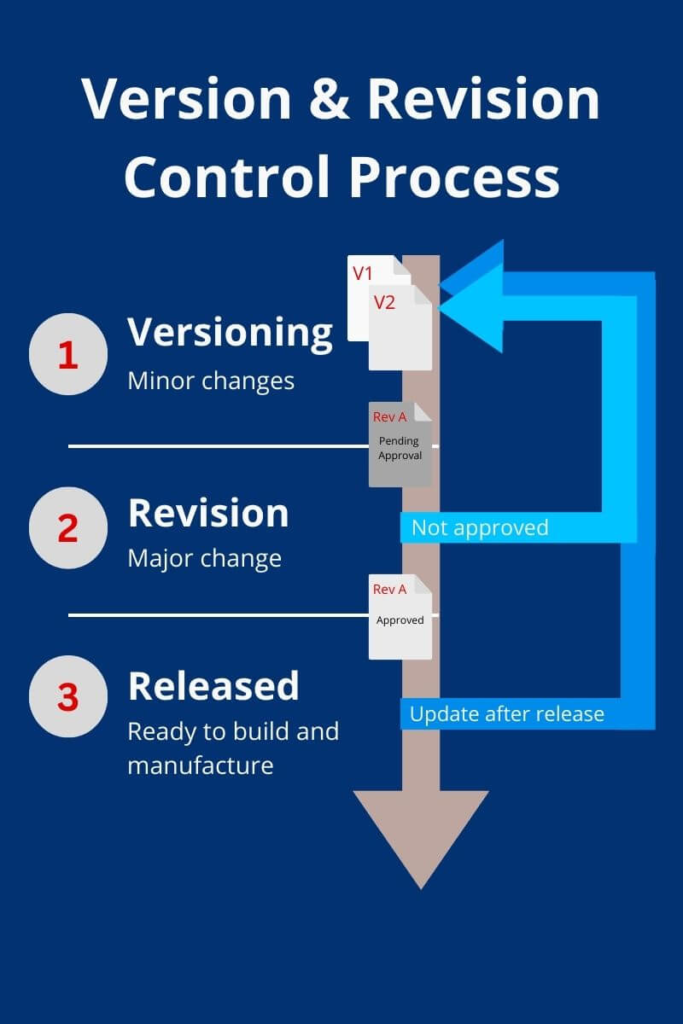
2. Implement Version Control Policies
Require:
- Automatic versioning
- Change tracking
- Clear naming conventions
3. Control Offline Sync Risks
Bluebeam files often sync to laptops.
Ensure:
- Sync rules are defined
- Backup runs nightly
- Local caches are protected
4. Back Up CAD and Markup Data Separately
Do not assume cloud sync equals backup.
Many contractors mistakenly assume cloud sync equals protection. A structured cloud backup and disaster recovery strategy is required to fully protect project drawings.
Real Example
A subcontractor lost 3 days of revision history due to unsynced local files.
After implementing structured storage:
- Version errors dropped
- Recovery improved
- File integrity stabilized
Final Takeaway
File management discipline prevents both operational mistakes and security exposure.
Drawing loss during a cyberattack can halt operations. Contractors should understand what happens when a construction company gets ransomware and how file recovery timelines impact projects.
Talk to a Construction IT Expert
If you’re a general contractor or subcontractor with 20–100 employees and want to understand your real IT risks, costs, or gaps, talk to an expert who specializes in construction environments.
No pressure. Just clear answers.